TrustTunnel client for iOS removed from Russia’s App Store amid ongoing VPN crackdown
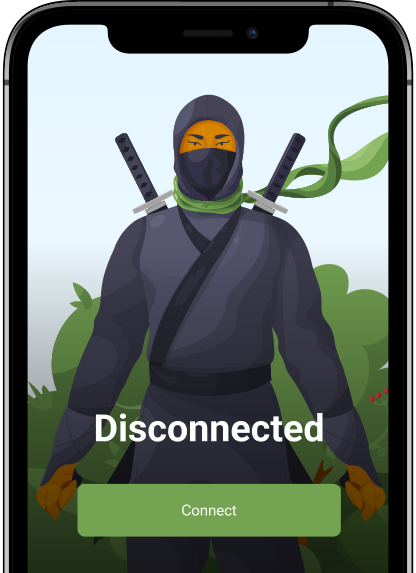
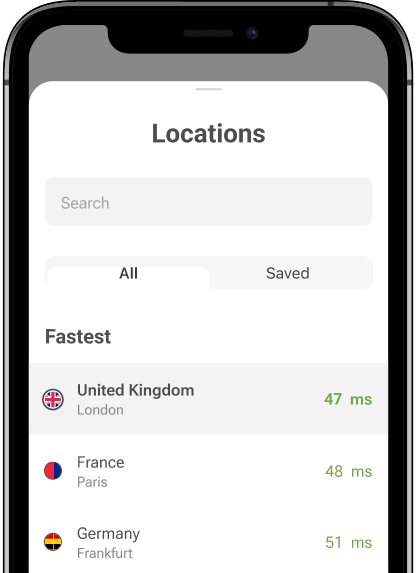
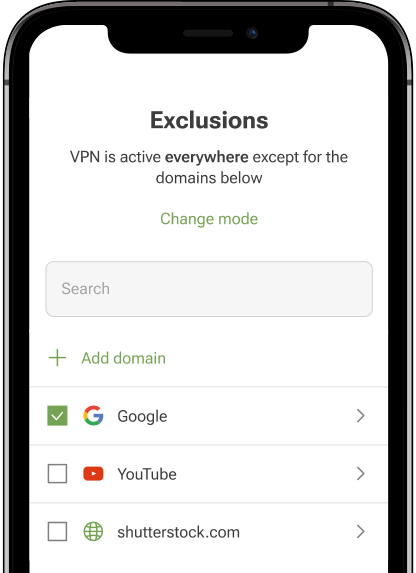
TrustTunnel for iOS — our client app for the open-source VPN protocol we released in January 2026 — has been removed from the Russian version of Apple’s App Store following a complaint by Russia’s internet regulator, Roskomnadzor.
On April 28, 2026, we received an email from Apple notifying us that the app would be removed because it “includes content that is illegal in Russia” and therefore does not comply with the App Review Guidelines.
The notice also cited Apple’s policy that developers are responsible for ensuring their apps comply with all local laws in the regions where they are distributed. The takedown request referenced Russia’s law “On Information, Information Technologies and Information Protection,” specifically Article 15.1, which regulates the restriction of access to prohibited information and empowers authorities to block related services: https://blocklist.rkn.gov.ru/article15-1/
It’s important to note that while the TrustTunnel iOS client is no longer available in the Russian App Store, it remains accessible in other regions.
“While your app has been removed from the Russia App Store, it is still available in the App Stores for the other territories you selected in App Store Connect,” Apple stated in the letter.
Why is this happening: bigger picture
This takedown is not an isolated case. Apple has repeatedly complied with similar requests from Russian authorities. In July 2024 alone, dozens of VPN apps were removed from the Russian App Store, including AdGuard VPN.
Since then, Roskomnadzor has only intensified its campaign against VPN services, particularly after the introduction of a 2024 law that effectively criminalizes the dissemination of information about bypassing internet restrictions.
More recently, the scope of enforcement has expanded. In March 2026, reports indicated that the regulator had shifted focus from mainstream, ready-to-use VPN services to more flexible tools — including custom VPN clients and proxy apps that allow users to connect to private servers or configure their own networks.
This marks a clear escalation: not just targeting services, but targeting tools.
And now TrustTunnel — an open-source protocol with a simple client — has been caught in that widening net.
Our position: TrustTunnel client is a neutral tool
The TrustTunnel client, as such, is just that — a client application. It does not provide any built-in circumvention capabilities on its own.
On its own, without a server, it is effectively useless. It does not bypass restrictions by itself and does not contain any prohibited content.
It is a neutral tool that depends entirely on how it is configured. The same client is used in a wide range of legitimate scenarios, including corporate VPN infrastructures, private secure connections, and internal networking. For that reason, holding it accountable makes little sense. It is no different from blocking a web browser simply because it can be used to access restricted websites.
Unfortunately, in practice, nuance is often ignored. Takedown requests are issued broadly to anything associated with VPNs, without regard for context or actual functionality.
How users are affected
For users in Russia who have already installed the TrustTunnel iOS client, nothing breaks immediately: the app will continue to function. However, they will no longer receive updates through the App Store, which over time may affect stability, compatibility, and overall service quality.
For new users in Russia, access becomes more complicated but not impossible.
If you want to download or update TrustTunnel for iOS, you’ll need to use a non-Russian App Store account. In practice, this means creating or switching to an Apple ID registered in another country. Here is guidance on how to change your App Store region.
It’s also worth pointing out that TrustTunnel is open-source. That means the code is publicly available on GitHub: https://github.com/TrustTunnel/TrustTunnel, and the app can be built and installed manually. If you’re comfortable with Apple’s developer tools, you can compile and sideload the app yourself. It’s not a one-click experience, but it’s a fully workable fallback.
Also worth noting: the app remains available on Google Play, so Android users are not affected by this removal.